





Creating a cozy and functional home office space is essential for anyone working from home or pursuing personal projects. A well-designed office can boost concentration, creativity, and overall satisfaction while reducing stress. Whether you have a dedicated room or a small corner, the key is to combine comfort with practicality. In this post, we’ll explore several tips to help you set up a home office that you’ll enjoy spending time in.
1. Choose the Right Location
Consider Natural Light
Natural light can significantly improve your mood and energy levels throughout the workday. Try to position your desk near a window, but avoid glare on your computer screen. If natural light is limited, invest in good quality lighting to brighten the space without straining your eyes.
Minimize Distractions
Select a quiet area where you can focus without interruptions. If your home is busy, consider using room dividers, noise-canceling headphones, or white noise machines to block out distractions.
2. Invest in Comfortable and Functional Furniture
Ergonomic Chair and Desk
Since you’ll spend many hours at your desk, comfort is crucial. Choose an ergonomic chair that supports your back and encourages good posture. A desk with adjustable height is ideal, allowing you to switch between sitting and standing.
Adequate Desk Space
Make sure your desk is large enough for your computer, documents, and any other tools you regularly use. A cluttered workspace can reduce efficiency and cause frustration.
3. Organize Your Space Efficiently
Use Storage Solutions
Keep your desk tidy by incorporating storage options like shelves, drawers, or filing cabinets. Use organizers such as trays or boxes to hold pens, papers, and cables neatly.
Digital Organization
Alongside physical organization, maintain a clean digital workspace. Regularly sort files and emails to keep distractions to a minimum.
4. Add Personal Touches
Choose Soothing Colors
Colors influence mood and productivity. Soft, neutral tones create a calming environment, while accent colors like blue or green can promote focus.
Include Plants and Decor
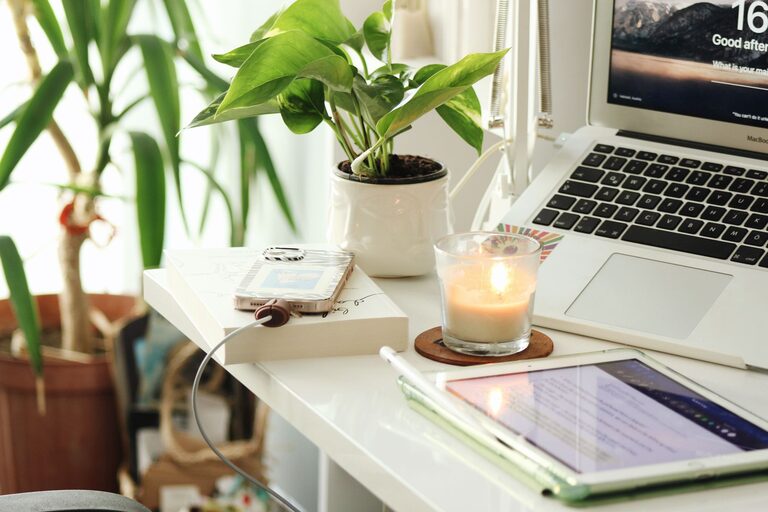
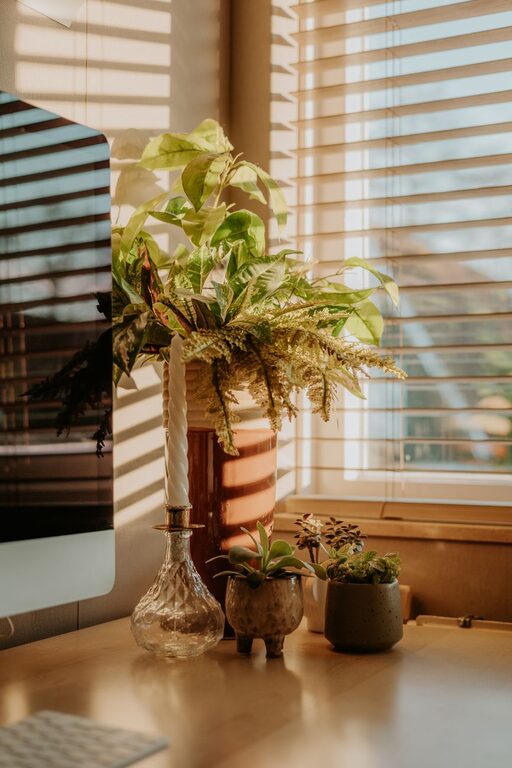
Plants add life to your office and improve air quality. Simple artwork or meaningful photos can make the space feel inviting without being overwhelming.
5. Optimize Lighting
Combine Ambient and Task Lighting
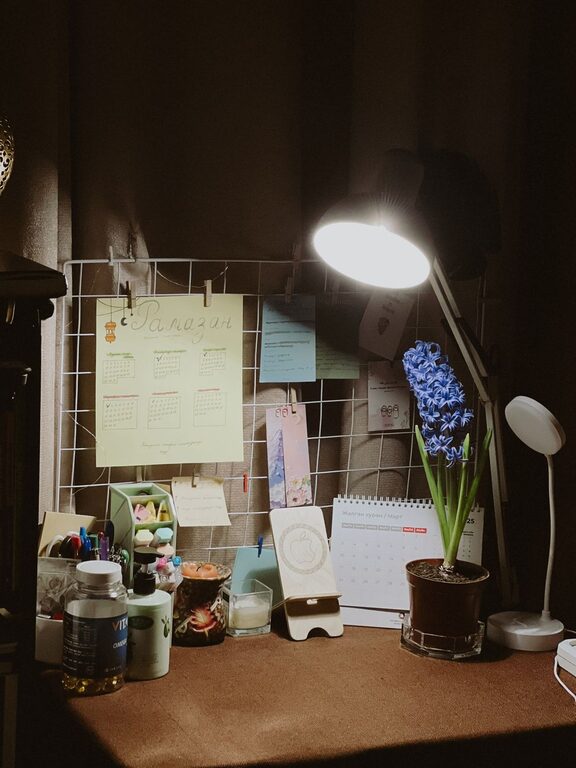
Use a combination of overhead lighting and desk lamps to ensure your workspace is well lit. Adjustable lamps help reduce eye strain when reading or working on detailed tasks.
Avoid Harsh Lighting
If fluorescent lights are harsh in your area, consider using bulbs with warmer tones or adding lampshades to soften the illumination.
6. Manage Cables and Electronics
Cable Management
Cord clutter is distracting and can create hazards. Use cable clips, sleeves, or ties to keep wires organized and out of sight.
Essential Electronics Only
Keep only necessary devices in your workspace to avoid overcrowding. When possible, opt for wireless equipment.
7. Establish Boundaries and Routine
Define Office Hours
Having a clear schedule helps maintain work-life balance. Let family members know your working times to reduce interruptions.
Separate Work from Relaxation
If space allows, keep your home office separate from relaxation areas to mentally switch between work mode and downtime.
8. Keep Comfort in Mind
Temperature Control
Make sure your workspace is neither too hot nor too cold. A small fan, portable heater, or air purifier can improve comfort.
Comfortable Flooring
If you stand while working, consider an anti-fatigue mat. For seated workspaces, a soft rug can add warmth.
—
By following these tips, you can create a home office that feels welcoming and supports your productivity. Remember, the best workspace is one tailored to your needs and preferences, so don’t hesitate to experiment with different setups until you find what works best. Happy decorating!